
.png)
Cylinder Management program
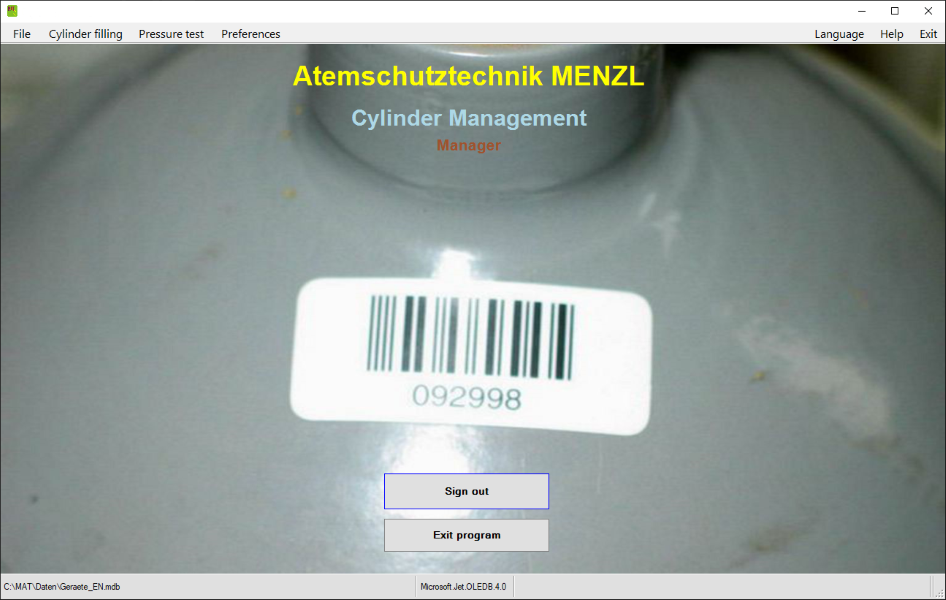
For managing cylinders in a completely hassle-free manner by means of barcodes
Why use the Cylinder Management program?
Points of cylinder filling have to keep a record of cylinder fillings. Frequently, forms are used for this purpose, requiring you to manually fill in the cylinder data (cylinder number, owner). What is more, prior to filling a cylinder, you have to make sure that it may actually be filled, i.e., you have to check whether or not the cylinder has exceeded its next due date for testing.
Obviously, it is often not exactly easy to carry out these important tasks when you are busy filling cylinders. Enter the Cylinder Management program and barcode-tagged cylinders: Once all of the cylinders that a point of filling has to deal with have been entered into the program and tagged with a barcode, you can keep a record of cylinder fillings in a completely hassle-free manner by simply scanning a cylinder’s barcode.

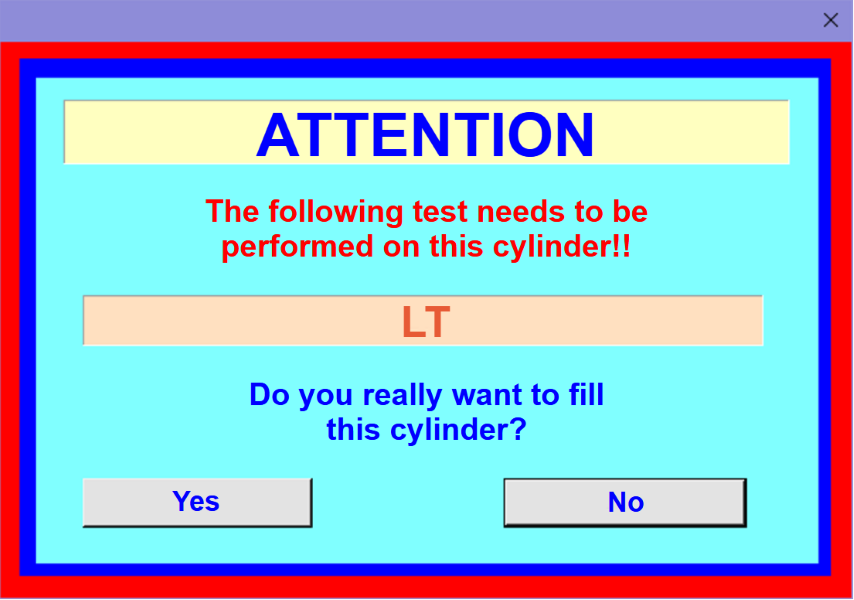
If a cylinder must not be filled for some reason (e.g. because it is due for testing), there will be a visual – and optionally also an acoustic – warning, and you will have to decide how to proceed.
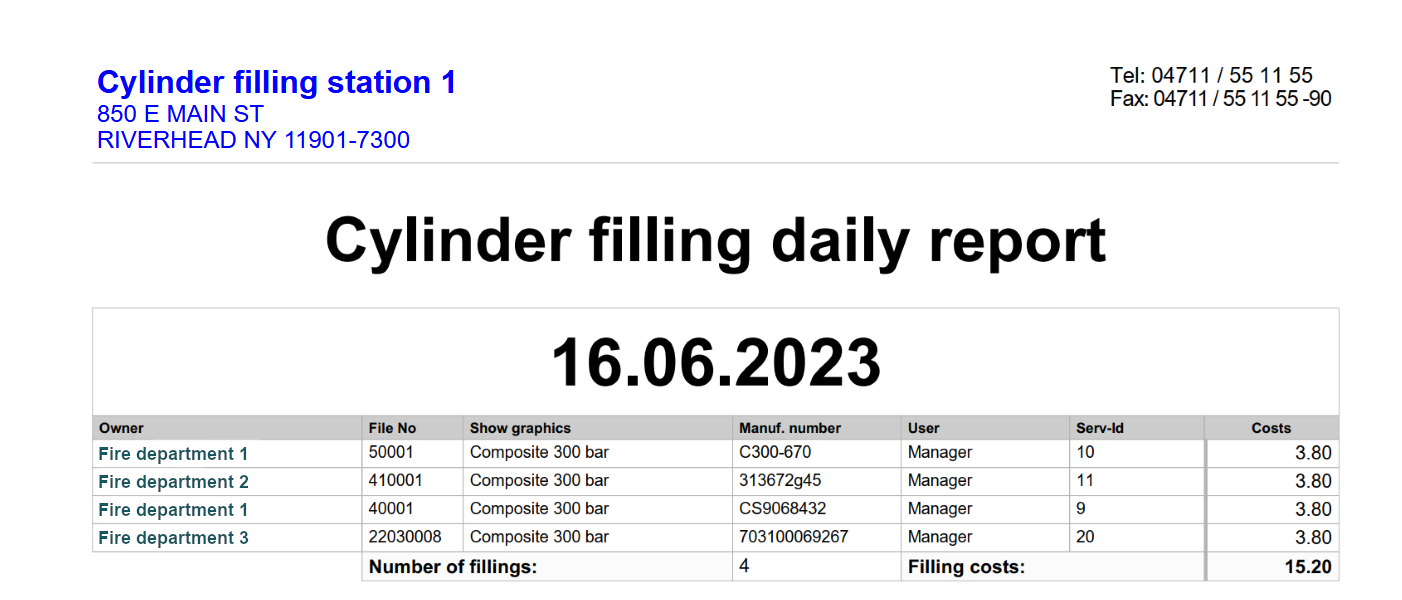
At any time, you can print a daily report or compile a number of statistics on the cylinders that have been filled.
Program features
Based on the Equipment Management program, an application with a proven track record, the Cylinder Management program allows you to do the following:
- manage program users
- manage cylinder owners
- manage cylinder types
- manage cylinder-related equipment data (incl. dates when tests are due)
- manage turnouts and training sessions
- keep a record of cylinder fillings
- keep a record of cylinder guest fillings
- benefit from due-date monitoring in determining whether cylinders may be filled
- use barcodes to tag and identify pieces of equipment
- perform and manage cylinder pressure tests
- search for cylinders that are due for testing
- report back cylinders that have been filled externally
- use comprehensive reporting and statistics features
Available program options
- program option for managing any kind of equipment
Program modes
When using the program, you can switch between the following modes as needed:
Standard
In this mode, scanning a barcode makes the program dsiplay all of the information that is available for the cylinder in question. To register a cylinder filling, you need to click the “Cylinder filled” button. This mode also allows you to manually select cylinders from the database, to add new cylinders to the database and to assign a barcode to the cylinder you have selected.
Filling mode
In this mode, scanning a barcode immediately registers the cylinder in question as having been filled. Via the preferences menu, you can make this mode the default for cylinder fillings, causing it to be activated automatically upon opening the cylinder filling window.
Guest filling
This mode allows you to register fillings of cylinders NOT stored in the database. You can activate this feature via the Extras menu of the cylinder filling main window.
Due-date monitoring and alerts
In “standard” mode and in “filling” mode (see above), the program uses the data stored in the database to automatically check whether or not a cylinder may be filled. If the cylinder in question has exceeded its next due date for testing, the program will alert you accordingly, asking you if you would like to fill the cylinder nonetheless.

Reports and statistics
Using the program’s comprehensive reporting and statistics features, you can, at any time, break down the data on equipment and cylinder fillings stored in the database in a wide variety of ways. Not only can the results be printed out but they can also be exported and saved in a number of formats.
Barcodes
We recommend tagging cylinders with barcodes so as to make the most of the Cylinder Management program.
Barcode scanners
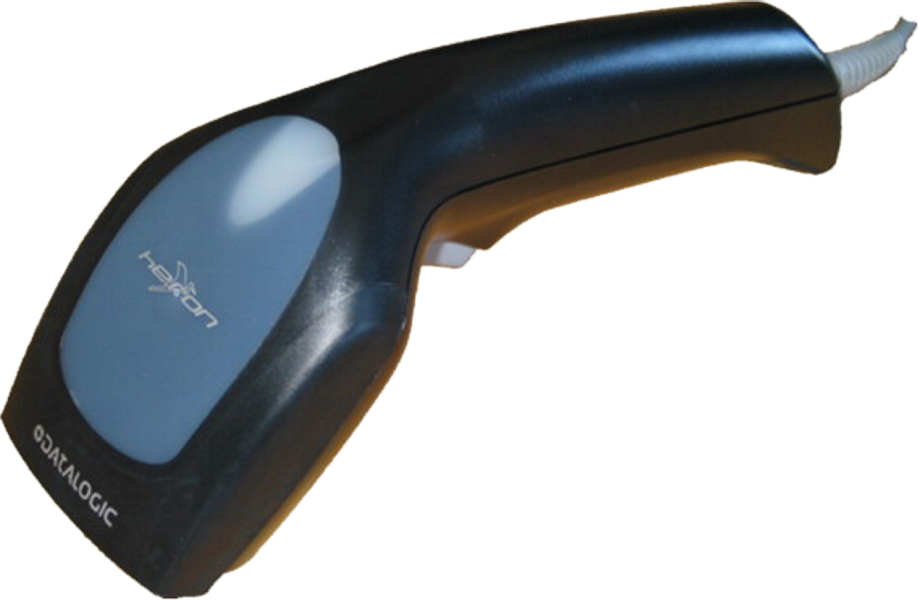
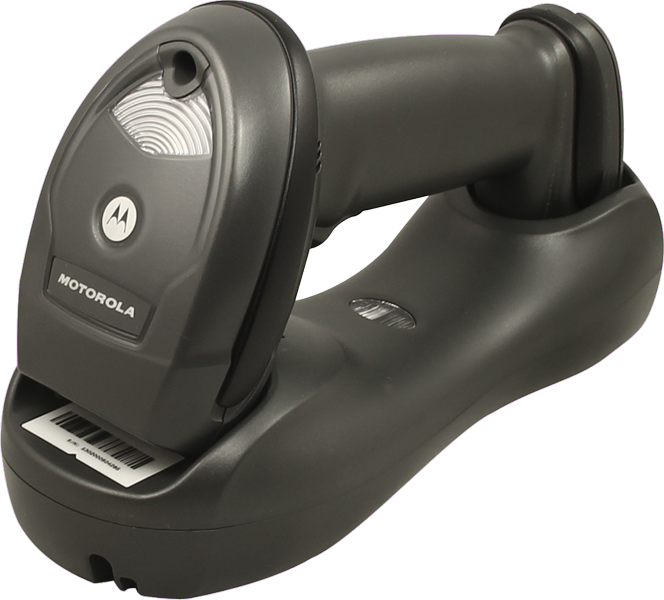
There are different types of barcode scanners you can choose from, including wired USB scanners as well as wireless scanners. Irrespective of its type, the chosen scanner must be able to communicate with the computer via a serial (COM) or a virtual serial (USB COM) port for efficient use with pieces of software developed by Atemschutztechnik MENZL.
Wired barcode scanners
Very sturdy scanners for connection to a computer via a USB port. They provide excellent code-reading performance and project a green dot onto barcode labels after successful scanning.
Wireless barcode scanners
Professional wireless handheld scanners. Scanned barcodes are wirelessly transmitted to the cradle which, in turn, sends them to the computer via a USB connection. The scanners offer excellent handling and very good reading performance with a code transmission distance of up to 15 metres.
How to install the barcode labels

Install the barcode labels in a place that makes them easy to scan while providing maximum protection from damage. It is also a good idea to choose roughly the same place across all cylinders as this will allow you to locate the labels more quickly.
Ideally, place the label on the cylinder shoulder near the neck so as to guarantee perfect scannability. For optimal adhesion, clean the installation site with a dry cloth before peeling the barcode label from its backing and sticking it onto the cylinder. Once you have tagged the cylinder, you need to add the barcode to its database record.
Article numbers
| Cylinder Management program (incl. documentation of fillings) | 330-447 | Program option for managing any kind of equipment | 330-448 |