.png)
Signature pad

For capturing electronic signatures in the Equipment Management program
Article numbers:
Why use a signature pad?
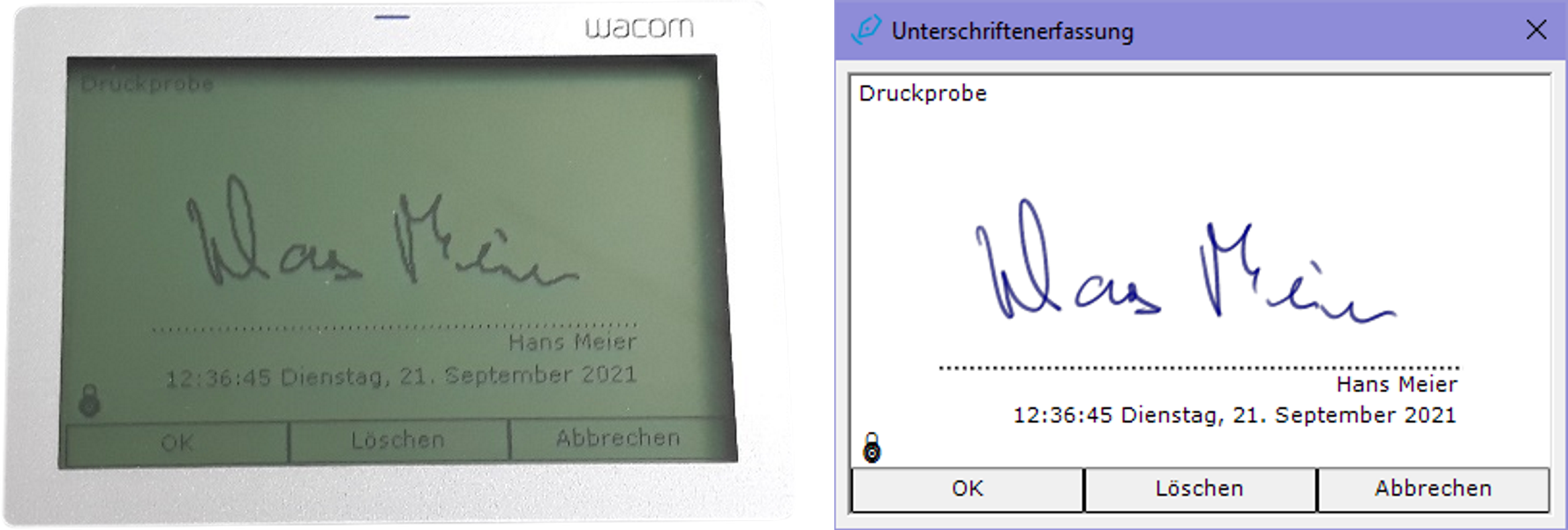
In conjunction with a Wacom STU signature pad, the Equipment Management program (version 5 or newer) lets you capture electronic signatures when using the following program features:
- equipment tests
- combined test reports
- lists of equipment given out
- cylinder pressure tests
- delivery notes
Depending on the program feature, you can capture either one or two signatures. If you have a multi-workstation computer network, the preferences of the Equipment Management program allow you to configure the workstations for which a signature pad is available.
Requirements for using a signature pad
Using a signature pad requires the following pieces of software, which you can easily download and install via the update feature of the Equipment Management program:
- Wacom STU driver
- Wacom tablet software
- Wacom signature SDK (32-bit or 64-bit version, depending on your computer's operating system)